Dataprep
When building a reticle sometimes you want to do boolean operations. This is usually known as dataprep.
You can do this at the component level or at the top reticle assembled level.
This tutorial is focusing on cleaning DRC on masks that have already been created.
import gdsfactory as gf
from gdsfactory.gpdk.layer_map import LAYER

import gplugins.klayout.dataprep as dp
You can manipulate layers using the klayout LayerProcessor to create a RegionCollection to operate on different layers.
The advantage is that this can easily clean up routing, proximity effects, acute angles.
c = gf.Component()
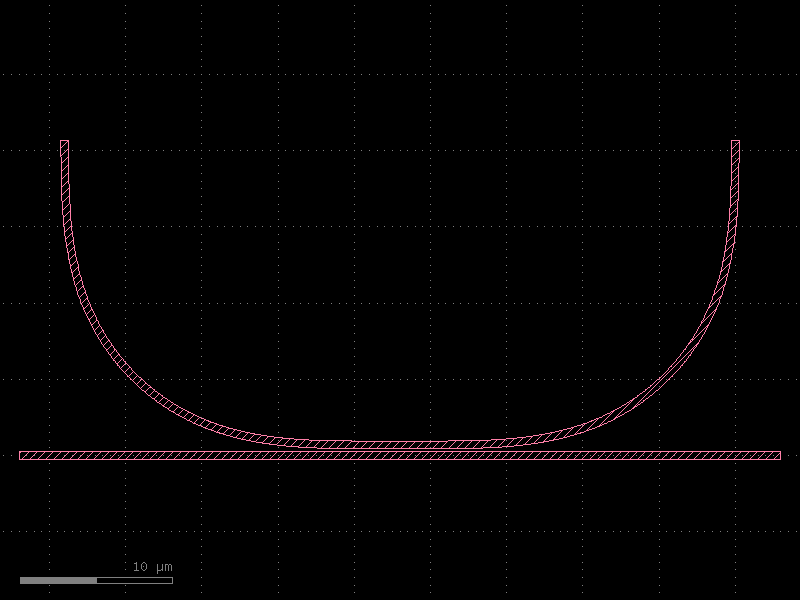
ring = c << gf.components.coupler_ring(radius=20)
c.write_gds("input.gds")
d = dp.RegionCollection(gdspath="input.gds")
c.plot()
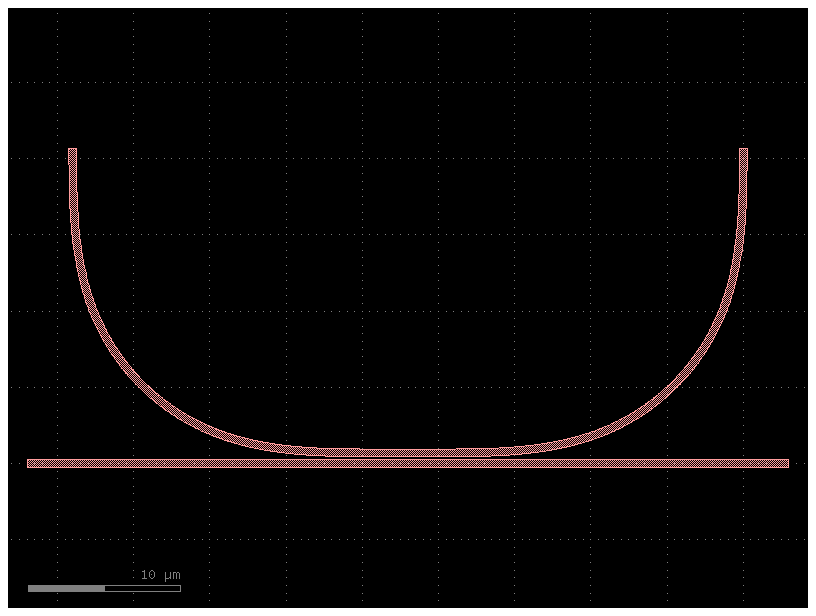
Copy layers
You can access each layer as a dict.
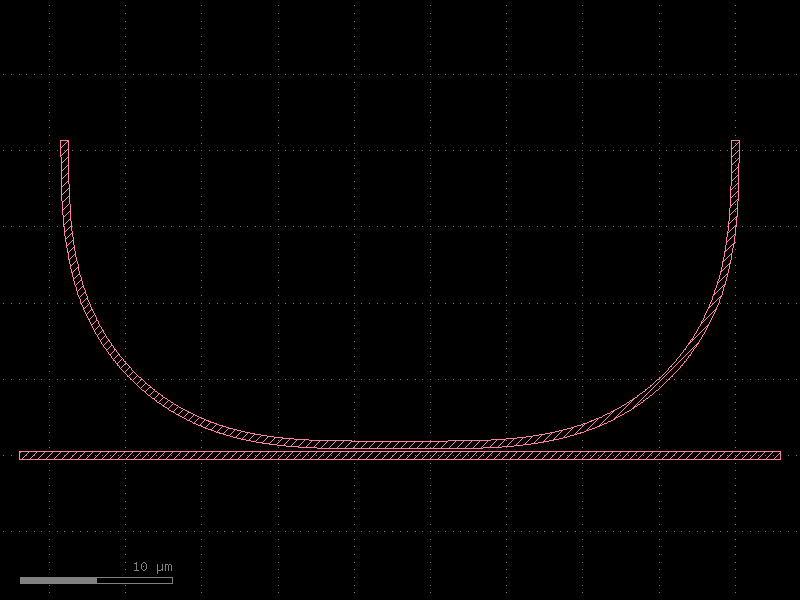
Remove layers
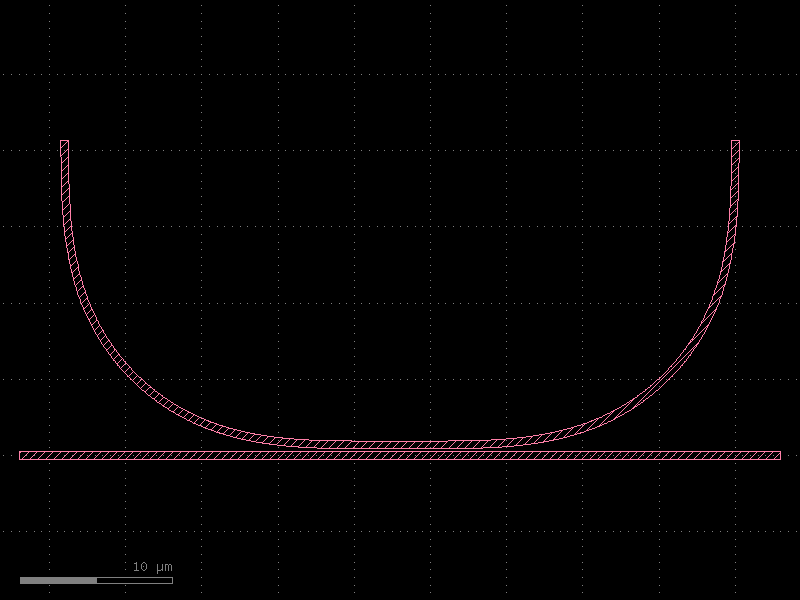
Size
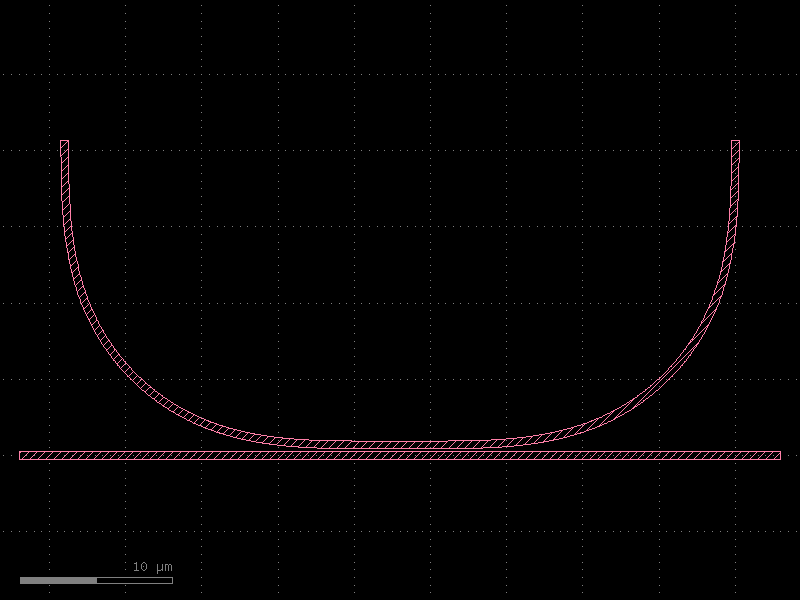
You can size layers, positive numbers grow and negative shrink.
Over / Under
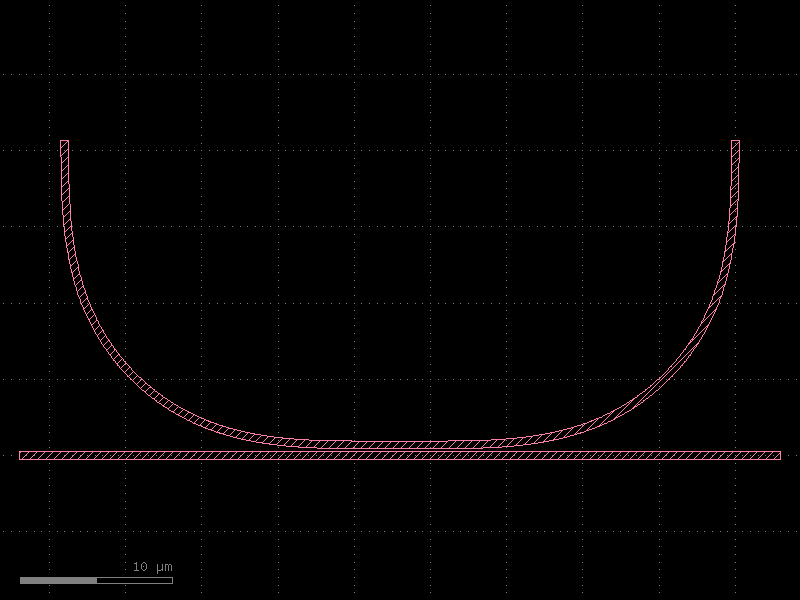
To avoid acute angle DRC errors you can grow and shrink polygons. This will remove regions smaller
Smooth
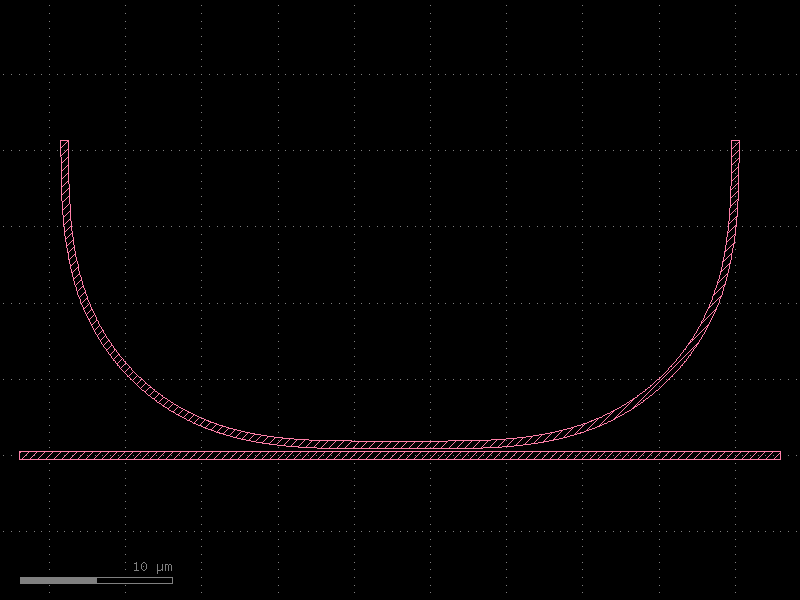
You can smooth using RDP
# smooth by 1um, Notice that klayout units are in DBU (database units) in this case 1nm, so 1um = 1e3
d[LAYER.SLAB90].smooth(1 * 1e3)
d.plot()
Booleans
You can derive layers and do boolean operations.