KCell — the core building block
KCell is kfactory's central class. Every component — from a simple rectangle to a
full photonic circuit — is a KCell. This page explains how to create cells, add
geometry, attach ports, and use the @cell decorator that makes parametric,
cache-efficient component functions easy to write.
Setup: layers
Every notebook is self-contained and defines its own layers.
LayerInfos maps human-readable names to KLayout LayerInfo objects (layer number +
datatype). The global layout object kf.kcl is made aware of the new layer set so
that helper methods like find_layer work correctly.
import kfactory as kf


class LAYER(kf.LayerInfos):
    WG: kf.kdb.LayerInfo = kf.kdb.LayerInfo(1, 0)
    WGEX: kf.kdb.LayerInfo = kf.kdb.LayerInfo(2, 0)
    CLAD: kf.kdb.LayerInfo = kf.kdb.LayerInfo(4, 0)
    FLOORPLAN: kf.kdb.LayerInfo = kf.kdb.LayerInfo(10, 0)


L = LAYER()
kf.kcl.infos = L
Creating a cell manually
kf.KCell() returns a new, empty cell. You can add shapes to it using KLayout's
geometry API. Coordinates can be expressed in database units (DBU) or in
micrometres (µm); kfactory re-exports both variants.
| Class | Coordinate unit | Typical suffix |
|---|---|---|
kdb.Box / kdb.Polygon |
DBU (integers) | none |
kdb.DBox / kdb.DPolygon |
µm (floats) | D prefix |
The default DBU for kf.kcl is 1 nm (i.e. dbu = 0.001), so 1 µm = 1000 DBU.
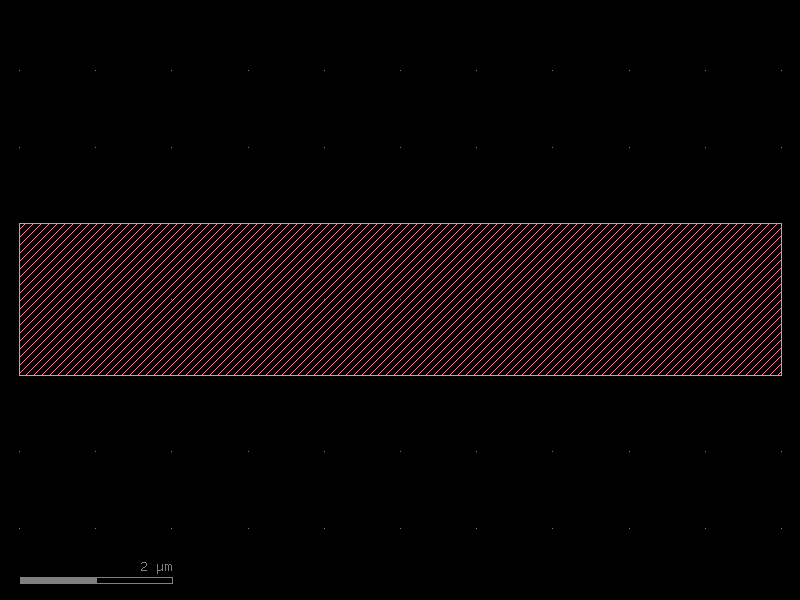
c = kf.KCell(name="my_rect")

# Add a 10 µm × 2 µm rectangle using µm coordinates (DBox)
c.shapes(kf.kcl.find_layer(L.WG)).insert(kf.kdb.DBox(-5, -1, 5, 1))

# Display in the notebook
c
DBU vs µm
The same shape expressed in DBU:
c_dbu = kf.KCell(name="my_rect_dbu")
# 10 µm = 10000 nm = 10000 DBU; 2 µm = 2000 DBU
c_dbu.shapes(kf.kcl.find_layer(L.WG)).insert(kf.kdb.Box(-5000, -1000, 5000, 1000))
c_dbu
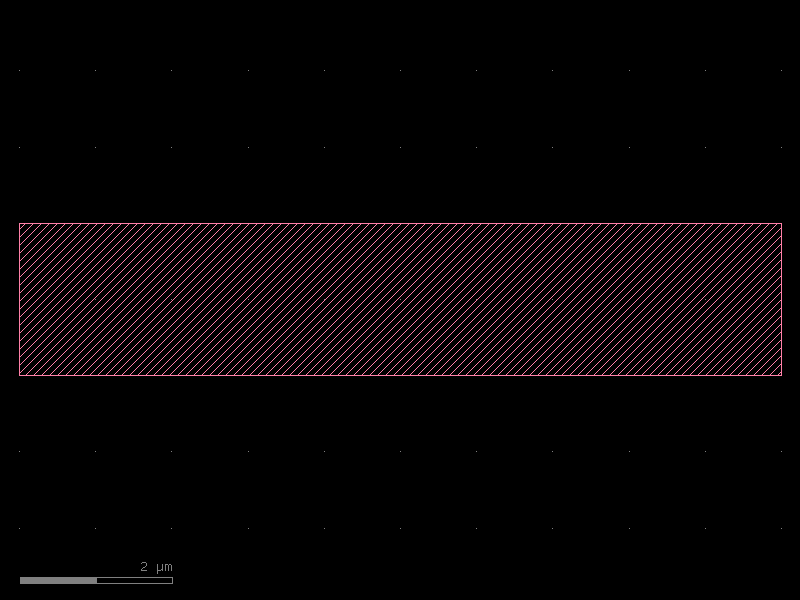
Both cells are identical — choose whichever unit is most convenient. The D-prefixed
classes (DBox, DPolygon, …) accept floating-point µm values and are snapped to the
DBU grid automatically.
Adding ports
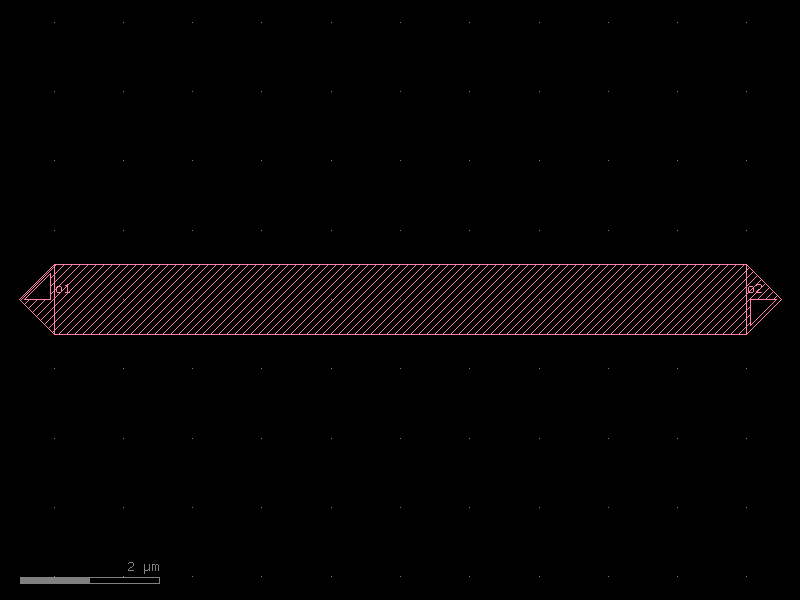
Ports mark connection points on a cell. Each port has a position, width, orientation (angle in degrees, 0° = east), and a layer. The convention is:
0°= east (right)90°= north (up)180°= west (left)270°= south (down)
Ports can be added in µm (add_port) or DBU coordinates (add_port with dbu=True
or by setting integer positions directly).
wg = kf.KCell(name="wg_with_ports")
wg.shapes(kf.kcl.find_layer(L.WG)).insert(kf.kdb.DBox(-5, -0.5, 5, 0.5))

# Left port: facing west (180°), centre at (-5, 0), width 1 µm
wg.add_port(
    port=kf.Port(
        name="o1",
        width=kf.kcl.to_dbu(1.0),
        dcplx_trans=kf.kdb.DCplxTrans(1, 180, False, -5, 0),
        layer=kf.kcl.find_layer(L.WG),
        kcl=kf.kcl,
    )
)
# Right port: facing east (0°)
wg.add_port(
    port=kf.Port(
        name="o2",
        width=kf.kcl.to_dbu(1.0),
        dcplx_trans=kf.kdb.DCplxTrans(1, 0, False, 5, 0),
        layer=kf.kcl.find_layer(L.WG),
        kcl=kf.kcl,
    )
)

wg.draw_ports()
wg
The @cell decorator — parametric cells with automatic caching
Writing a function that creates a KCell and decorating it with @kf.cell gives you:
- Automatic cell naming — the cell name is derived from the function name and its parameter values, so every unique combination gets a unique GDS cell name.
- Result caching — calling the function a second time with the same arguments
returns the same
KCellobject without re-running the function body. - Settings storage — the parameter values are stored in
cell.settingsfor traceability and serialisation.
This is the recommended way to create any reusable, parametric component.
@kf.cell
def straight(
    length: float = 10.0,
    width: float = 1.0,
    layer: kf.kdb.LayerInfo = L.WG,
) -> kf.KCell:
    """A simple straight waveguide.

    Args:
        length: Length in µm.
        width: Width in µm.
        layer: Layer for the waveguide core.
    """
    c = kf.KCell()
    hw = width / 2
    c.shapes(kf.kcl.find_layer(layer)).insert(kf.kdb.DBox(0, -hw, length, hw))
    c.add_port(
        port=kf.Port(
            name="o1",
            width=kf.kcl.to_dbu(width),
            dcplx_trans=kf.kdb.DCplxTrans(1, 180, False, 0, 0),
            layer=kf.kcl.find_layer(layer),
            kcl=kf.kcl,
        )
    )
    c.add_port(
        port=kf.Port(
            name="o2",
            width=kf.kcl.to_dbu(width),
            dcplx_trans=kf.kdb.DCplxTrans(1, 0, False, length, 0),
            layer=kf.kcl.find_layer(layer),
            kcl=kf.kcl,
        )
    )
    return c


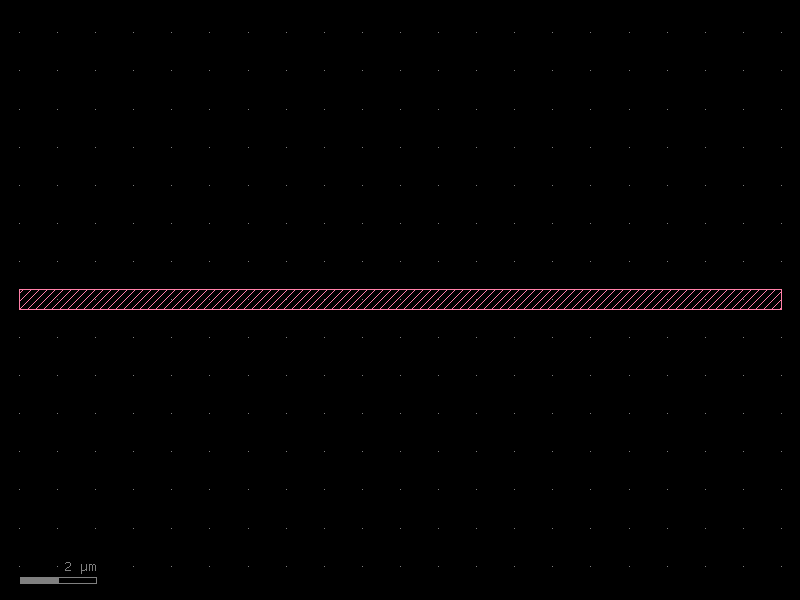
s = straight(length=20, width=0.5)
s
Cell name encodes parameters
print(s.name)
straight_L20_W0p5_LWG
Caching: same arguments → same object
s2 = straight(length=20, width=0.5)
print(f"Same object: {s is s2}")

s3 = straight(length=30, width=0.5)
print(f"Different length → different object: {s is s3}")
print(f"Different name: {s3.name}")
Same object: True
Different length → different object: False
Different name: straight_L30_W0p5_LWG
Inspecting settings
s.settings
KCellSettings(length=20, width=0.5, layer=WG (1/0))
settings stores the resolved parameter values. This is useful when generating
netlists or reproducing a layout from metadata alone.
Instances: placing cells inside other cells
Use the << operator (or create_inst) to place one cell inside another.
An instance is a pointer — the underlying geometry is stored once; instances just
carry position/rotation transforms.
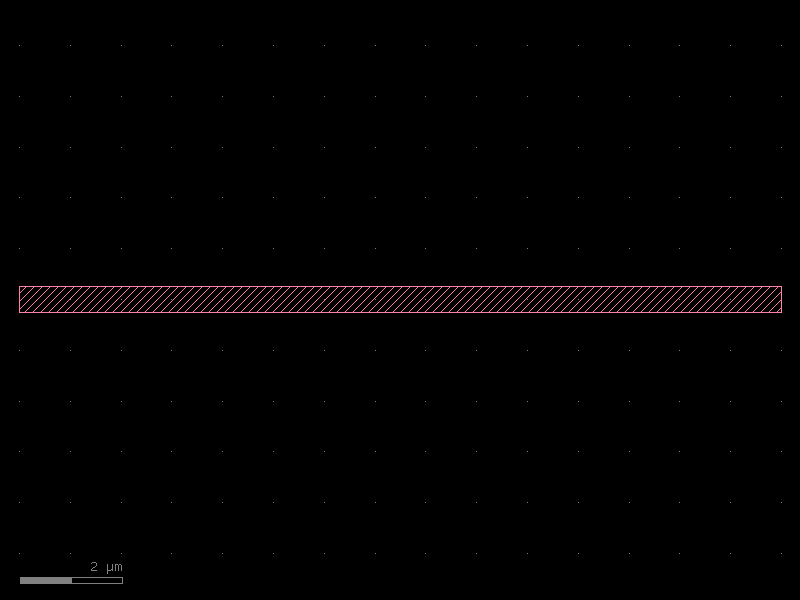
circuit = kf.KCell(name="two_waveguides")

wg_a = circuit << straight(length=15, width=0.5)
wg_b = circuit << straight(length=15, width=0.5)

# Place wg_b 5 µm above wg_a
wg_b.transform(kf.kdb.DTrans(0, 5))

circuit.add_ports(wg_a.ports, prefix="top_")
circuit.add_ports(wg_b.ports, prefix="bot_")
circuit
Port-based connection with connect
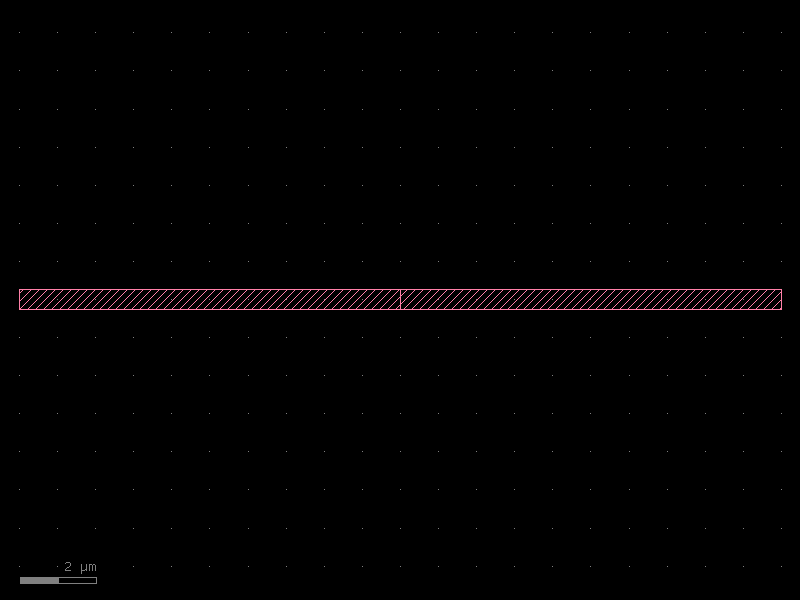
instance.connect("port_name", other_instance, "other_port_name") moves and rotates
instance so that the named port aligns with the other port face-to-face.
line = kf.KCell(name="connected_waveguides")
seg1 = line << straight(length=10, width=0.5)
seg2 = line << straight(length=10, width=0.5)
seg2.connect("o1", seg1.ports["o2"])

line.add_ports(seg1.ports, prefix="seg1_")
line.add_ports(seg2.ports, prefix="seg2_")
line
KCell variants
kfactory ships three cell variants that differ in how geometry is stored:
| Class | Geometry storage | Typical use |
|---|---|---|
KCell |
KLayout database (DBU integers) | Standard physical components |
DKCell |
DBU integers, but DBU-aware µm API | Same as KCell, µm-native convenience |
VKCell |
In-memory only, never committed to the layout DB | Intermediate / throw-away geometry |
Use VKCell (and the matching @vcell decorator) when you need a temporary cell that
should not pollute the global cell namespace, for example as a scratch pad during
routing or in tests.
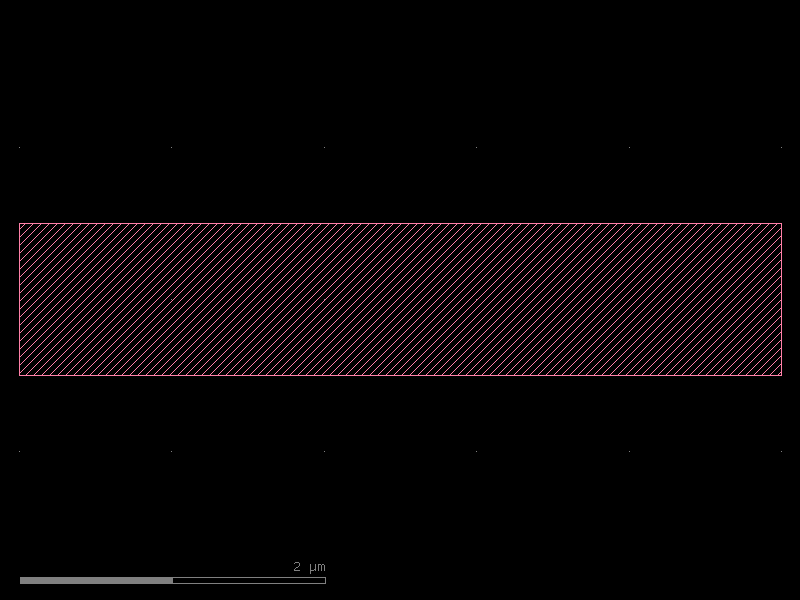
@kf.vcell
def virtual_scratch_pad(width: float = 2.0) -> kf.VKCell:
    """A virtual cell — not registered in the layout database."""
    vc = kf.VKCell()
    vc.shapes(kf.kcl.find_layer(L.WG)).insert(kf.kdb.DBox(0, -width / 2, 5, width / 2))
    return vc


vpad = virtual_scratch_pad(width=1.0)
print(type(vpad))
# VKCells render the same way in notebooks
vpad
<class 'kfactory.kcell.VKCell'>
See Also
| Topic | Where |
|---|---|
| Port system (position, direction, type) | Core Concepts: Ports |
| Placing and connecting instances | Core Concepts: Instances |
| DBU vs µm coordinate systems | Core Concepts: DBU vs µm |
| PCells and caching | Components: PCells |
| Virtual cells for routing | Components: Virtual Cells |